
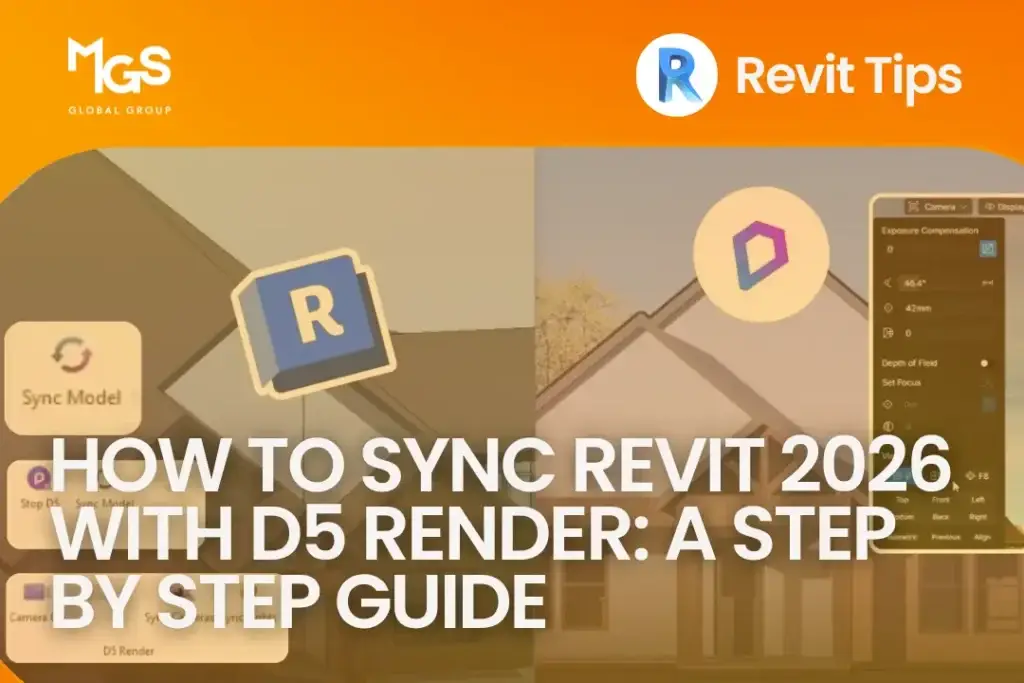
How to Sync Revit 2026 with D5 Render
👁 3 min read
If you’re still exporting your Revit model every time you want to check a render, you’re wasting time. D5 Render’s live sync plugin connects directly to Revit, so changes you make to your model, materials, or lighting show up in D5 almost instantly, no export, no reimport, no waiting around.
D5 officially rolled out Revit 2026 support through a plugin update in mid 2025, and it’s been solid since. Here’s the current setup, start to finish.
7 Best SketchUp Plugins for 2026
👁 2 min read
SketchUp is already one of the most widely used 3D modeling tools in architecture, but the architects getting the most out of it aren’t just using the base software. They’re running the right plugins.
Whether you’re producing concept massing, detailed 3D models, photorealistic renders, or interior and exterior visualizations, the right SketchUp extensions can cut hours off your workflow and take your presentations to a completely different level.
7 Free websites for Site Analysis in Architecture (2026 Guide)

👁 3 min read
If you’re still doing architectural site analysis by stitching together screenshots, Google Earth guesses, or manually tracing context maps, there’s a better way.
Today, real-time data and free GIS-based tools can significantly improve the accuracy and clarity of your early-stage drafting work. And the best part? You don’t need expensive software. Below are 7 free websites for site analysis in architecture that can make your feasibility studies, concept diagrams, and drafting workflows faster and more defensible.
Twinmotion vs D5 Render: Which One’s Better for Architects?
👁 3 min read
When it comes to architectural drafting and visualization, speed, accuracy, and clarity matter just as much as aesthetics. Real-time rendering tools have become a natural extension of the drafting workflow, helping architects quickly turn BIM or CAD models into compelling visuals for internal reviews, design coordination, and client presentations.
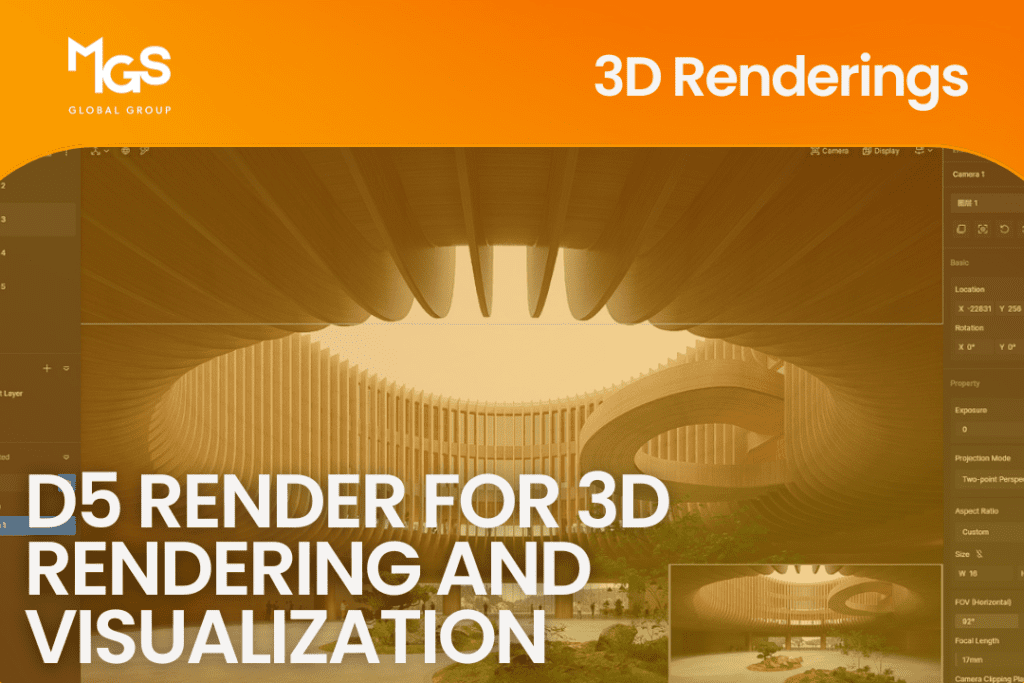
What’s new: D5 Render for 3D Rendering and Visualization
👁 4 min read
D5 Rendering, a newer visualization tool, stands out by outperforming many
SketchUp’s Best Features
👁 4 min read
SketchUp is a versatile 3D modeling software that offers a range of features,
Must-Have SketchUp Plugins for Architecture
👁 4 min read
SketchUp extensions are like hidden treasures for designers, introducing fresh
Adding Landscapes in Photoshop for Post-Production Renderings
👁 4 min read
Rendering in any software can be time-consuming or, at times, ineffective due
SketchUp vs. AutoCAD: Which One is Better in Creating Floor Plans?
👁 3 min read
Numerous factors come into play when determining how to present a floor plan
Exporting SketchUp to AutoCAD
👁 3 min read
SketchUp is known for its user-friendly 3D modeling capabilities, while AutoCAD