
7 Best SketchUp Plugins for 2026
- 3 min read
- May 4, 2026
SketchUp is already one of the most widely used 3D modeling tools in architecture, but the architects getting the most out of it aren’t just using the base software. They’re running the right plugins.
Whether you’re producing concept massing, detailed 3D models, photorealistic renders, or interior and exterior visualizations, the right SketchUp extensions can cut hours off your workflow and take your presentations to a completely different level.
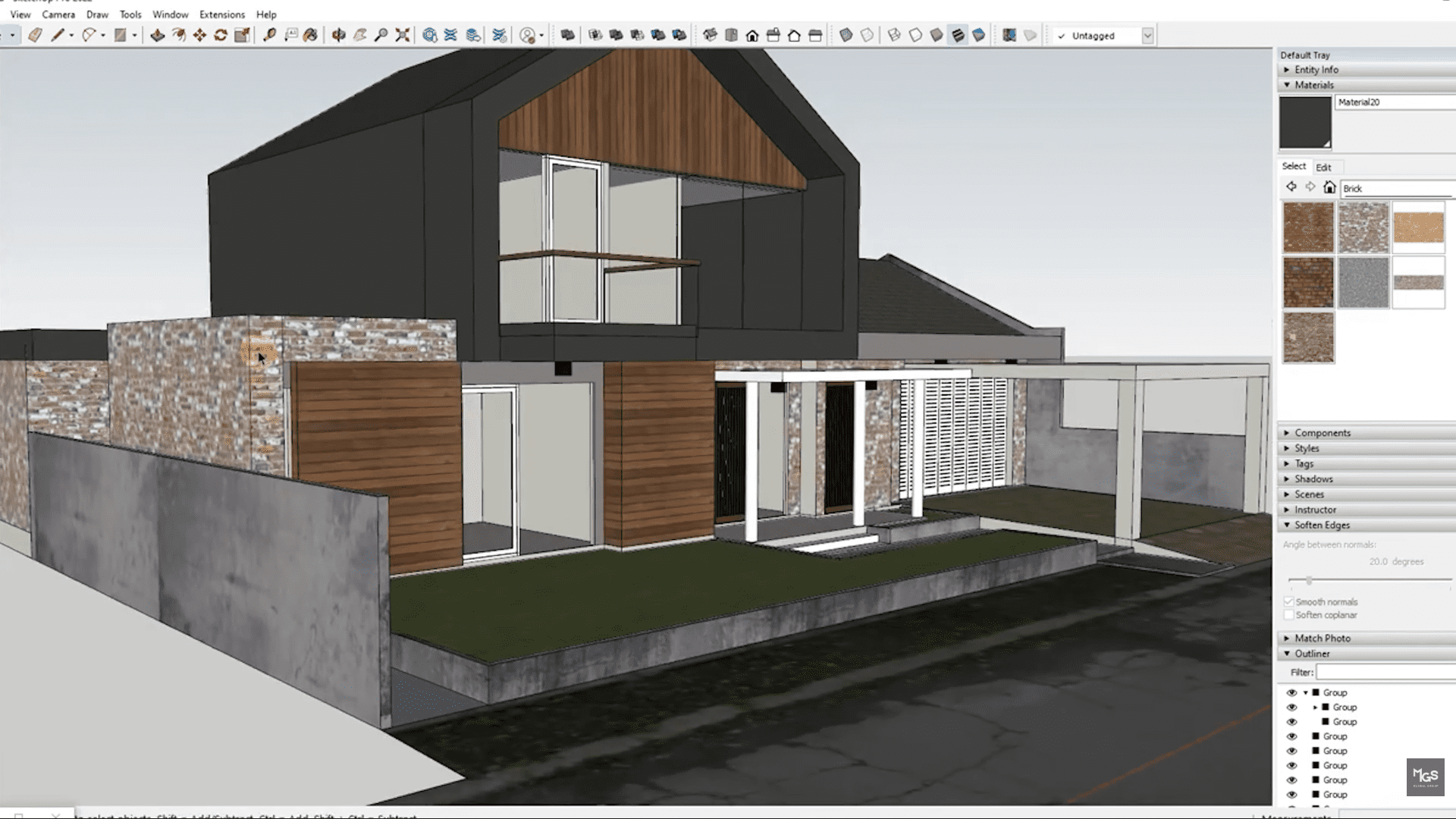
Here are 07 must-have SketchUp plugins for architects and designers in 2026, covering free essentials and paid tools that professionals rely on daily.
1. Sketchy FFD (Freeform Deformation) | ⭐ Free
- FFD adds a deformation control cage around any object, letting you push, pull, and reshape geometry in ways that SketchUp’s native tools simply don’t allow.
Key features:
- Wraps a 2×2, 3×3, or custom NxN control cage around any group or component
- Move control points to deform the underlying geometry smoothly
- Create domes, arches, bent surfaces, and organic forms from gridded geometry
- Real-time preview as you adjust control points
- Non-destructive, original group structure is preserved
How to use it: Group your geometry → right-click and select an FFD option → open the control point group → move points to deform. Simple as that.
Best for: creating organic massing, curved architectural volumes, and any shape that needs freeform bending without rebuilding from scratch.
2. D5 Render (D5 Lite) | ⭐ Free tier available • 💰 Pro subscription
An AI-powered real-time rendering plugin that’s gained serious traction in 2026 — particularly popular for its low barrier to entry and speed.
Key features:
- Real-time rendering directly inside SketchUp with live updates
- AI mode generates multiple styled visualization variations from your geometry
- No GPU upgrade required for the free tier — runs in-browser
- One-click send to D5 Render for higher-quality animation and VR output
- Access to D5 Works asset library for render-ready materials and objects
How to use it: Click Sync in the D5 toolbar to send your model to the D5 Render window → apply materials from the D5 library, set up lighting and environment → render still images or animations from the D5 interface.
Best for: fast design exploration, early-stage client presentations, and firms evaluating real-time rendering before committing to V-Ray or Enscape.
3. CleanUp³ | ⭐ Free
One of the most underrated plugins on this list, and one you’ll wonder how you managed without. CleanUp³ keeps your models lean, accurate, and well-structured.
Key features:
- Removes redundant edges, duplicate faces, and hidden geometry clutter
- Merges coplanar faces that SketchUp splits unnecessarily
- Fixes broken geometry and stray lines that cause rendering and export issues
- Can be run on the entire model or a selected group/component
- Run it before exporting to Revit, CAD, or a renderer for significantly cleaner results
How to use it: Extensions menu → CleanUp³ → select your scope (model, selection, or components) → run. Takes seconds, saves hours of manual cleanup.
Best for: running before any export, after importing geometry from other formats, or any time a complex model starts behaving unexpectedly.
4. 1001bit Tools | ⭐ Free • 💰 Pro version available
A comprehensive toolkit of architectural modeling automation, if you’re manually building the same elements on every project, this plugin eliminates most of that work.
Key features:
- Automated generation of staircases, spiral stairs, railings, and balustrades
- Parametric window and door creation directly in the model
- Wall tools with automatic void generation for openings
- Hip roof, rafter, and purlin generation from selected footprint geometry
- Drawing/editing tools including fillet, chamfer, and extend that SketchUp native lacks
How to use it: To create a staircase for example: draw your floor-to-floor lines or reference geometry → click the Stair tool → input your riser height, tread depth, and width in the dialog → the staircase generates instantly.
Best for: production modeling speed, particularly useful on residential and commercial projects with repetitive architectural elements.
5. Curviloft | ⭐ Free
The go-to plugin for generating smooth, organic surfaces from curves and contours — essential for any form that isn’t made of straight lines.
Key features:
- Lofts smooth surfaces between two or more curves with minimal effort
- Skinning tool creates surfaces from a series of parallel profiles
- Extrusion along contours for complex curved geometry
- Non-destructive, original curves remain editable after surface generation
- Ideal for canopies, sculptural rooflines, flowing façades, and organic forms
How to use it: Draw your guiding curves in SketchUp → select them → activate Curviloft from the Extensions menu → choose Loft by Spline, Skin Contours, or Extrude by Rails depending on your geometry type → preview the surface and hit Enter to confirm.
Best for: architects working with complex curved geometry or freeform architectural design.
6. Artisan | 💰 Paid
Subdivision and sculpting for SketchUp. Artisan brings organic modeling capabilities that the native toolset simply doesn’t offer, with a workflow familiar to anyone who has used 3ds Max or ZBrush.
Key features:
- Subdivision modeling for smooth, rounded geometry
- Sculpt mode for freeform pushing and pulling of mesh surfaces
- Smooth transitions and rounded corners that native SketchUp can’t produce
- Works well for custom furniture, complex architectural volumes, and terrain
- Maintains geometry quality as you increase subdivision levels
How to use it: Select any group or component → open the Artisan toolbar → use Subdivide to increase mesh density → switch to Sculpt mode and use the brush tools (Push, Pull, Smooth, Pinch) to shape the surface. Use the Crease tool to add sharp edges where needed within otherwise smooth geometry.
Best for: furniture modeling, organic architectural forms, and any element that requires precision rounding or sculpted surfaces.
7. Skatter | 💰 Paid
A distribution and scatter plugin that populates your model with repeated elements, trees, people, ground cover, rocks, and more, without placing each one manually.
Key features:
- Scatter any component across surfaces, paths, or areas using rules you define
- Control density, scale variation, rotation randomization, and clustering
- Real-time preview in viewport before committing to the distribution
- Integrates directly with V-Ray and Enscape for render-ready output
- Significant model performance optimization through proxy rendering
How to use it: Open Skatter from the Extensions menu → click Add Host to select the surface you want to scatter onto → click Add Objects to choose the components to scatter (trees, people, etc.) → adjust density, scale, and rotation settings → click Generate. For large scenes, enable the Proxy option to keep your model lightweight while still rendering correctly.
Best for: site context modeling, landscape visualization, and producing rendered scenes that read as real environments.
Final Thoughts
Knowing the best tools is one thing, having the time and team to use them properly is another. At MGS, our drafting and visualization team works with SketchUp, Revit, BIM platforms, and a full range of 3D rendering and modeling tools to support architecture firms at every stage.
Whether you need interior and exterior visualization support, 3D architectural rendering, or drafting assistance across SD/DD/CD phases, we work as a direct extension of your team, to your standards.
Enjoyed this post?
Explore more resources here or book a quick strategy call to learn how MGS Global Group can support all your drafting needs!